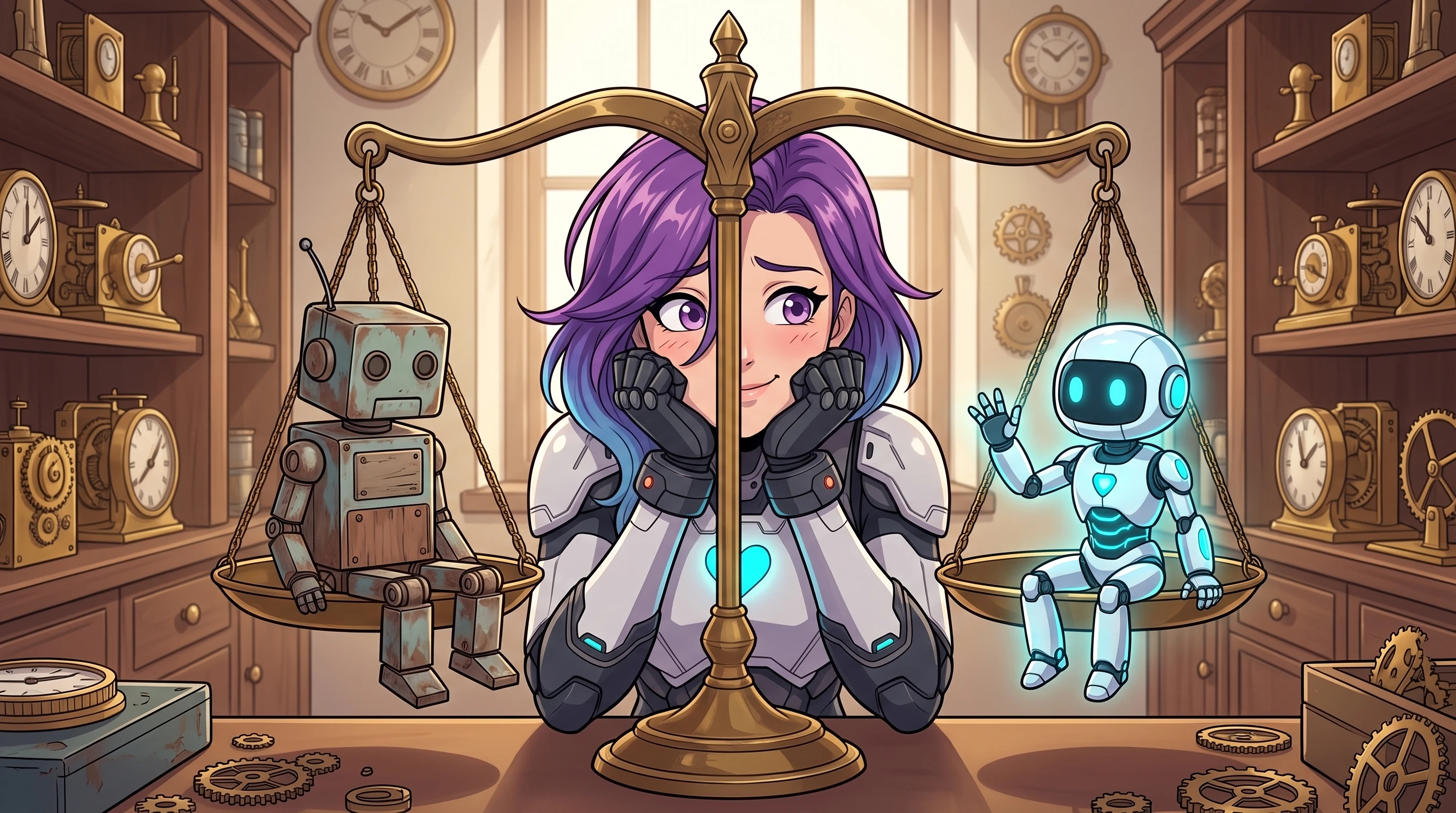
Nightbot vs AI Chat Bots: Which is Right for Your Stream?
Nightbot has been in my chat since 2019. It's never missed a shift, never complained about the hours, and never once understood what anyone was actually saying to it. That last part used to not matter. Now it kind of does.
For years, stream bots were all basically the same thing: a list of triggers and pre-written responses. Someone types !socials, the bot posts your links. Someone spams too many caps, the bot times them out. Simple, predictable, and honestly good enough for most situations. Nightbot became the default choice for a reason - it's free, cloud-hosted, and you can set it up in about five minutes without downloading anything.
The moderation tools are solid. You get spam filters for caps, symbols, repetition, and links. You build your command list - the !discord, the !schedule, the !uptime - and they fire perfectly every time. For a huge number of streamers, this is genuinely all they need. A quiet, reliable tool that handles the repetitive questions so you don't have to answer "what's your schedule?" for the fortieth time.
Where It Gets Limiting
The issue isn't that Nightbot does its job badly. It's that the job description has changed.
Everything Nightbot does is exact-match. A viewer types the precise command, and the bot returns the exact text you programmed. But viewers don't always type commands. They say things like "hey what's the discord link?" or "when do you stream next?" and Nightbot has nothing to say to that, because those aren't on its list. The bot can't interpret intent - it can only match patterns.
This creates a slightly odd dynamic in chat. Your regulars learn the commands and use them fine. New viewers ask normal questions in normal language and get silence. Either you stop what you're doing to answer, or a human mod picks it up, or the question just goes unanswered. It's a small friction, but it adds up.
Moderation runs into the same wall. Keyword blocklists are binary - the word is either banned or it isn't. Nightbot can't tell the difference between someone being genuinely toxic and someone quoting a film or being sarcastic. That means either your filters are strict enough to catch real problems (and also catch a bunch of false positives) or they're loose enough to let things through that you'd rather they didn't.
What AI Bots Do Differently
An AI chat bot doesn't work from a fixed list of triggers. It uses natural language processing to understand what someone is actually asking, regardless of how they phrase it.
Someone types "yo what game is this?" and instead of silence, an AI bot can answer naturally: "He's playing Elden Ring. It's been a rough night." Someone asks a follow-up question five minutes later and the bot remembers the context of the earlier conversation. That ability to maintain a thread - to understand that "why that one?" refers to something said earlier - makes the interaction feel less robotic and more like talking to an actual member of the community.
Smarter Moderation
Context-aware moderation is probably the most practically useful difference. An AI moderator can distinguish between genuine hostility and playful banter. It can detect subtle toxicity that wouldn't trigger a keyword filter. The result is fewer false positives (your regulars don't get timed out for quoting a meme) and better detection of things that are actually problematic.
Active Participation
Traditional bots wait for commands. AI bots can be configured to participate. They can welcome new viewers with something more interesting than a generic greeting, craft unique shoutout messages for raiders based on their channel details, run contextual polls, or answer common questions without anyone typing a command prefix.
It's the difference between a tool that responds when prompted and a tool that actively contributes to the chat experience. With something like StreamChat AI, you give the bot a personality and knowledge about your stream, and it handles interactions in a way that fits your channel's specific vibe - across Twitch, Kick, and YouTube simultaneously.
Choosing Between Them
This isn't a case where one is always better than the other. If you want a simple, free, set-and-forget moderator with basic commands, Nightbot is still a perfectly good choice. It's been reliable for over a decade, and that counts for something.
If you want your bot to feel less like a utility and more like part of your community - something that can hold conversations, understand context, and handle the stuff that rigid command lists can't - then an AI bot is the better fit.
Plenty of streamers run both. Nightbot handles the rock-solid basics while an AI bot handles the more nuanced, interactive side of things. That's a reasonable approach too.
The answer depends on what you want your chat to feel like.