Twitch's New AI Stream Summaries and Auto Clips: What They Actually Mean for Your Channel
Twitch announced two AI features at TwitchCon Rotterdam on May 30th, and the streaming community's reaction has been roughly split between "finally" and "wait, is this going to be weird?" Stream Summaries and Auto Clips are live on the platform now, and if you broadcast regularly, they're worth understanding properly rather than just vibes-reading from a Twitter thread.
Here's what they actually do, where they fall short, and how to think about them for your specific situation.
The Problem They're Solving (And Why It's a Real One)
Anyone who's raided into a channel mid-session knows the feeling. Chat is going off about something that happened twenty minutes ago, the streamer is deep in a bit with no context, and you have exactly two options: ask chat to explain (and get seventeen different answers), or just... sit in mild confusion until you catch up.
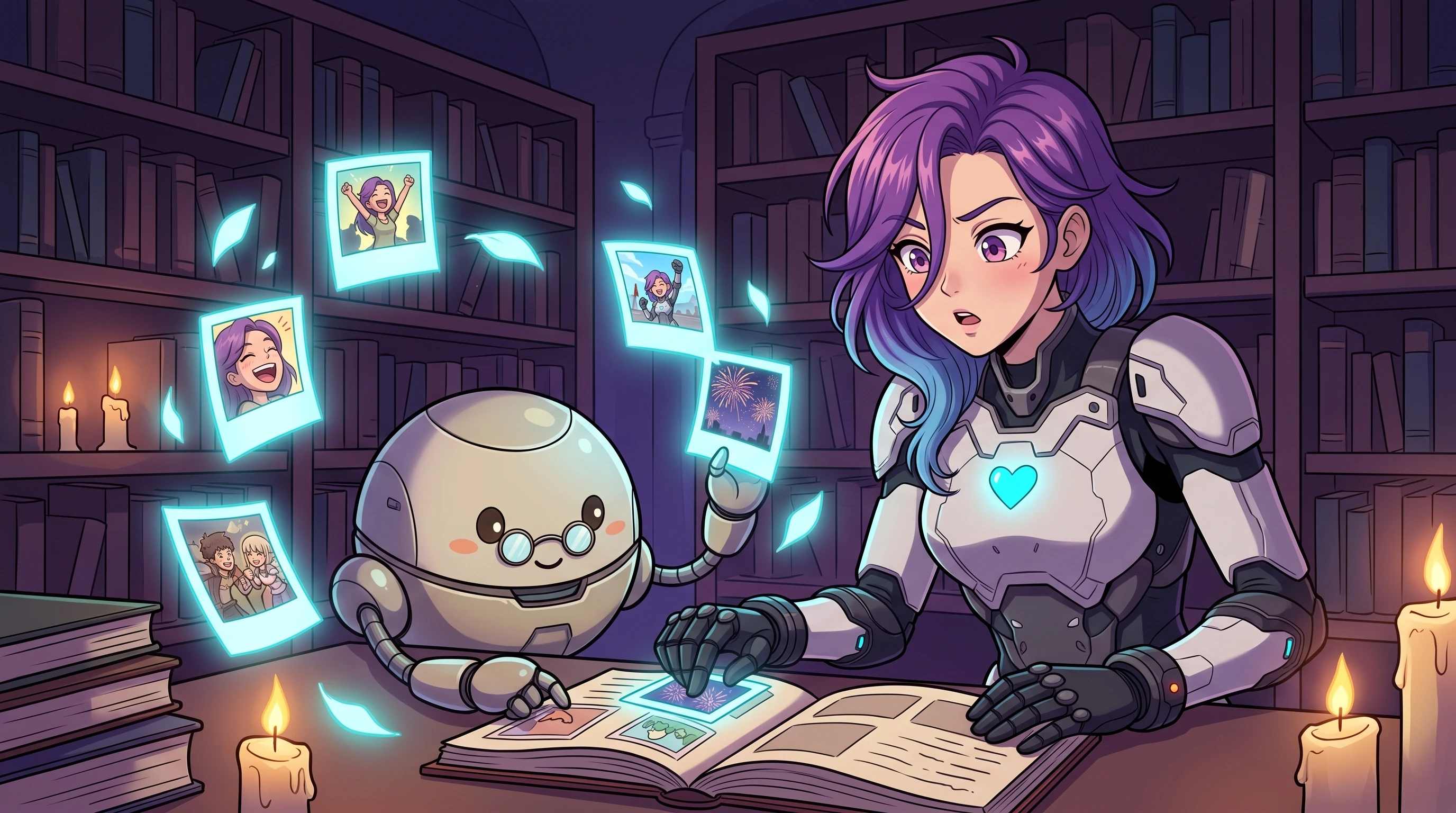
Stream Summaries are Twitch's answer to that. When a viewer joins late, they get an AI-generated text summary of what's happened so far. What the streamer was playing, notable moments, what the general vibe has been. Auto Clips is a separate but related feature: the system watches your broadcast, identifies moments that generated a spike in chat activity or emotional response, and clips them automatically with captions already baked in.
The intent behind both is genuinely sensible. Twitch has known for years that viewer retention drops sharply when someone joins late and can't find a foothold. And the clip-to-social pipeline has always been one of those things streamers know they should be doing, but the friction of manually reviewing VODs and cutting clips means most people just... don't.
Auto Clips: The Part That's Actually Interesting
I'll be honest, Stream Summaries feel like a nice quality-of-life thing that I'll probably forget exists within a week. Auto Clips is the one I'd actually pay attention to.
The core value is that it removes the review step. Right now, turning a three-hour broadcast into four TikToks requires either a dedicated clip editor (which most channels can't afford) or you sitting with a VOD at midnight picking moments yourself. The system is doing that selection automatically, and it's adding captions, which is basically table stakes for short-form video in 2026.
The question is whether the AI is picking the right moments. Twitch is presumably keying off chat velocity, emote usage, and subscriber activity spikes, which is a reasonable proxy for excitement. But streamers who do slower content, long-form conversation, or anything where the emotional peak isn't a loud reaction will probably find the clips land weirdly. A thoughtful five-minute story you told about your week isn't going to trigger a chat spike, even if it's the thing people talk about afterwards.
So there's a selection bias baked in here from day one. Loud and reactive content will be served better than quiet and conversational content. Worth keeping in mind before you assume the feature is doing your social media strategy for you.
Stream Summaries: More Useful for Viewers Than You Might Expect
The streamer benefit here is indirect. You don't get better summaries by doing anything differently. The AI is reading your broadcast and doing its thing regardless.
What you do get is lower viewer churn from late joiners. Someone who arrives forty minutes into your session and immediately sees a two-paragraph rundown of what's happened is far more likely to stick around. That's a real retention benefit, and for growing channels where every viewer counts, it matters.
The accuracy question is the obvious caveat. AI-generated summaries of live content are only as good as the signals available to the model: transcribed speech, chat messages, game data if applicable. If you use a lot of inside jokes, community-specific references, or bits that require context to understand, a new viewer reading the summary might get a technically accurate but socially incomplete picture. "Streamer died seventeen times on the first boss" is a factual summary. It doesn't tell you that dying is the joke and everyone's rooting for the failure.
Whether that matters depends on your community. For most channels it probably doesn't. For tightly-knit communities where the lore runs deep, the summary might accidentally make the content seem more chaotic or directionless than it is.
What This Doesn't Replace
Auto Clips generates the raw material. It does not build your short-form presence, pick the best clip from five candidates, write a hook for the caption, or post anything anywhere. You still need to review what it surfaces and decide what's actually worth putting out. The good news is that reviewing five auto-generated clips is dramatically faster than rewatching a full VOD, so the time saving is real even if the workflow isn't fully automated.
The other thing worth naming: both features are Twitch-native. If you're multi-platform (and increasingly, streamers are) the AI tooling Twitch adds to your broadcast doesn't carry over to Kick or YouTube. Your Kick viewers joining late get no summary. Your YouTube audience gets no auto clips from sessions that originated on Twitch. That's not a knock on Twitch, it's just the reality of streaming across multiple platforms in 2026, where each one is building its own walled garden of features.
Managing that cross-platform complexity is a separate problem. Things like keeping chat interactions consistent across platforms, making sure your automations fire on Kick the same way they do on Twitch, making sure you're actually present for viewers on every platform simultaneously rather than just whoever you're looking at in the moment. That's where tools like StreamChat AI do their work, keeping the connective tissue functional so you can actually take advantage of features like Auto Clips without your non-Twitch audience feeling like second-class citizens.
How to Actually Use These Features Well
A few practical thoughts:
Structure your streams with clip-able peaks in mind. If Auto Clips is watching for chat spikes, you can work with that intentionally. Hype moments, reveals, reactions to things chat suggests, game wins and losses. You don't need to manufacture fake energy, but if you know the system is looking for activity spikes, you can make sure your naturally exciting moments are also moments where chat is engaged rather than just watching.
Review auto-generated clips before posting. This one should be obvious, but post nothing automatically without a human check. An AI system will occasionally clip something that's genuinely awful out of context, and your Twitter feed is not the place to discover that.
Don't sleep on Stream Summaries as a community tool. If your mods or regular viewers are explaining the stream to newcomers manually in chat right now, this takes some of that load off. That's good for your mods and good for chat culture.
Think about whether your content type fits. If you do cozy streams, slow variety content, or anything that's more ambient than reactive, Auto Clips might not serve you as well as it serves a high-energy variety streamer. The feature isn't wrong for your content, it's just tuned for a particular kind of moment.
The broader thing happening here is that Twitch is betting AI tooling will reduce creator burnout, specifically the burnout that comes from the relentless post-stream content grind. Whether that bet pays off depends entirely on how good the moment-selection actually is. The announcement at TwitchCon Rotterdam was light on specifics about the model's accuracy. That's the number I'd want to see before getting too excited.
Give it a month of real use. Then decide.